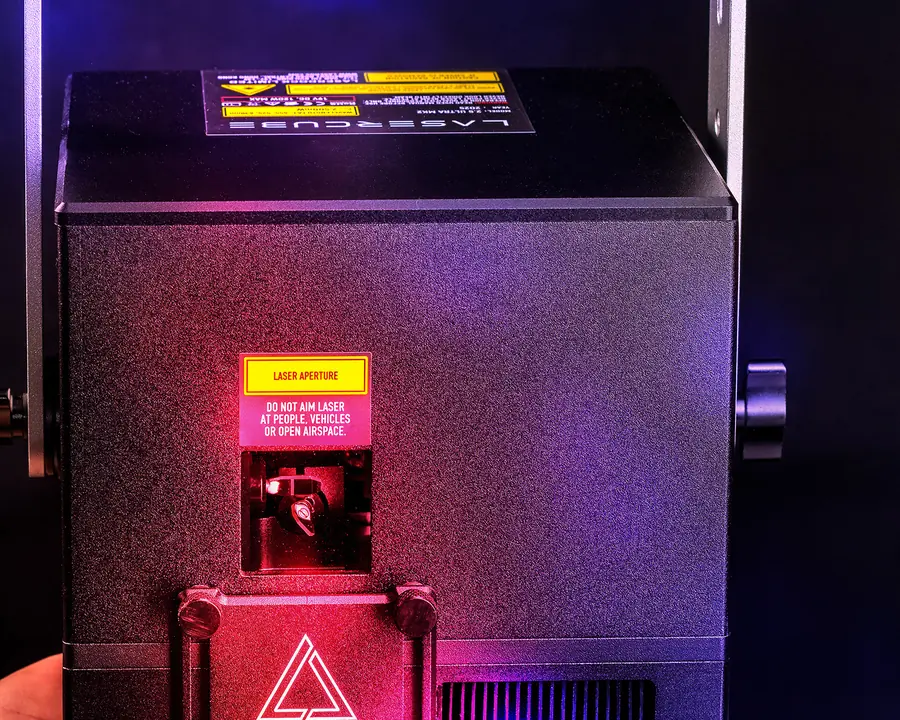
Beginner · Ultra MK2 & Pro
Start here: from the box to your first safe show
Why laser light is dangerous, how to plan and mount a safe setup, the key, E‑Stop and safety zones, connecting LaserOS, and a checklist for every show.
Not started
LaserCube Academy
Free courses from the LaserCube team. Watch, read, check yourself, then download your certificate. No account needed.
Courses
Beginner · Ultra MK2 & Pro
Why laser light is dangerous, how to plan and mount a safe setup, the key, E‑Stop and safety zones, connecting LaserOS, and a checklist for every show.
Not started
Using a LaserCube WiFi? This course is for the Ultra MK2 and Pro; for the WiFi, see the WiFi user manual (PDF).
How it works
Each lesson has a short video or pictures and the key points from the LaserCube manual.
A few questions after every lesson. Get one wrong? Try another answer.
Pass the final quiz (8 of 10) and download your certificate as a PDF or an image.
Your progress stays in this browser. There’s no account and nothing is sent to us. Clearing your browser data, or switching to another device, starts a course again.
What the certificate means. It shows you completed the course. It is not a licence, a Laser Safety Officer (LSO) qualification or permission to run public laser shows.