Quick start
New LaserCube? Start here.
Five short steps from the box to your first projection, with videos along the way. Pick your model.
Step by step
Which LaserCube do you have?
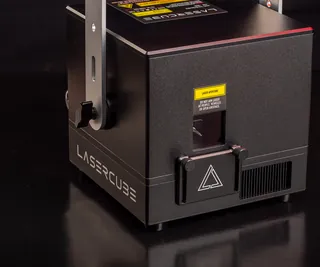
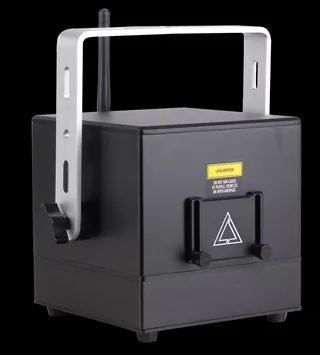
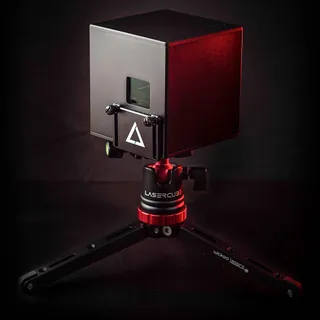
Class 4 laser product
Laser radiation: avoid eye or skin exposure to direct or scattered radiation. Before using this product, read and follow all notices and safety information. For the Ultra MK2 and Pro, our free course Start here: from the box to your first safe show takes you through the safety rules step by step. For the LaserCube WiFi, read the safety guidelines in its manual (PDF).
What you’ll do
The five steps
- Getting to know your LaserCube: what’s in the box, and the parts that keep the beam safe.
- Turning on your device: power, the key, and the interlock or E‑Stop.
- Connecting your LaserCube: its own WiFi first, a cable when WiFi is busy.
- Getting started with LaserOS: get the app and connect it to the cube.
- Using your LaserCube: the beam block and safety zones, then your own content.