Set up, control and look after your LaserCube.
The official manual and tutorials for the LaserCube Ultra MK2 and Pro, searchable down to the section.
Popular: Troubleshooting Factory reset Firmware update WiFi client mode DMX channels
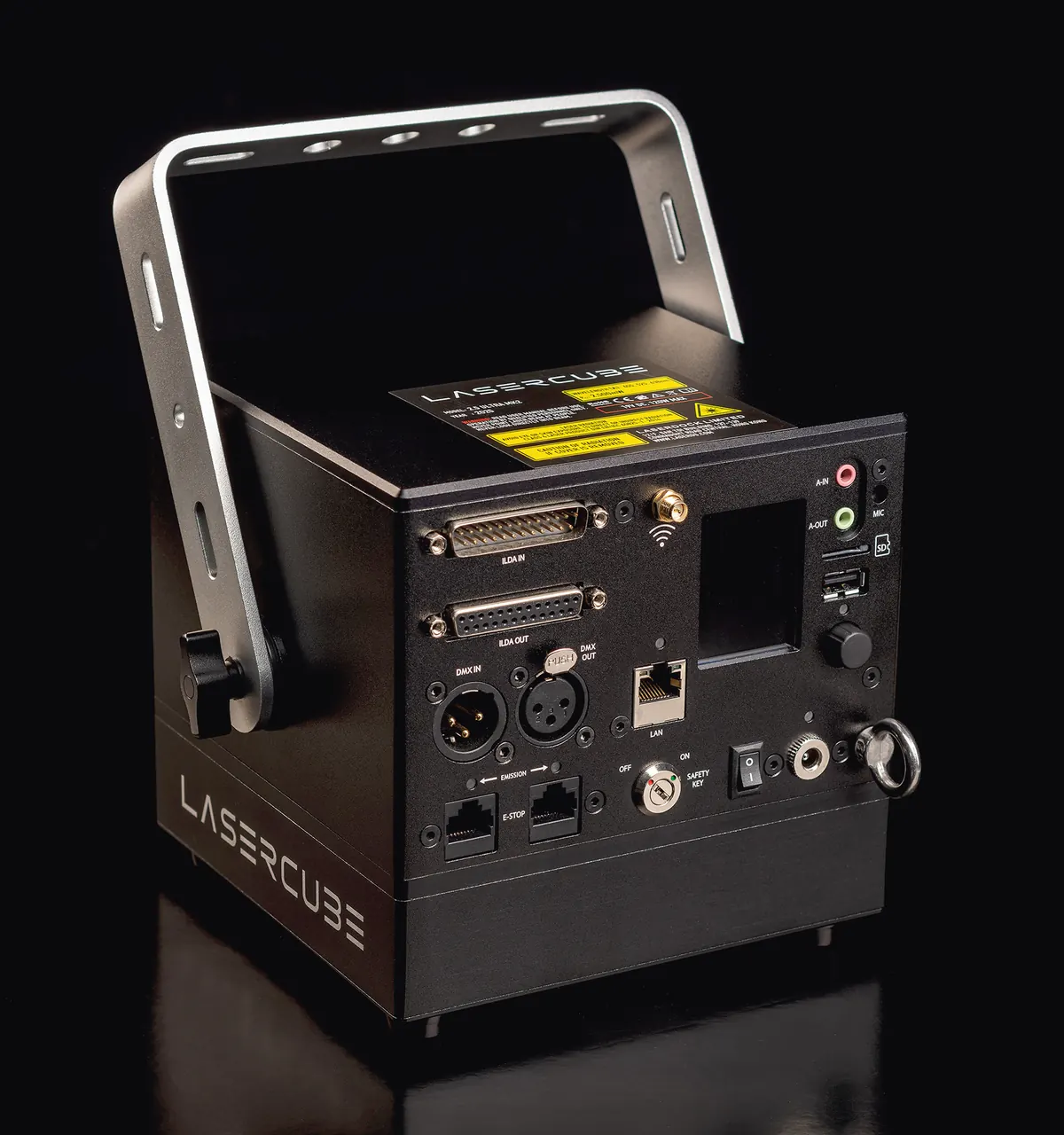
Which LaserCube do you have?
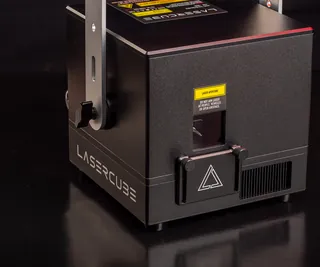
LaserCube Ultra MK2The full-size cube: ILDA, XLR DMX, Ethernet and WiFi. Quick start in five steps.
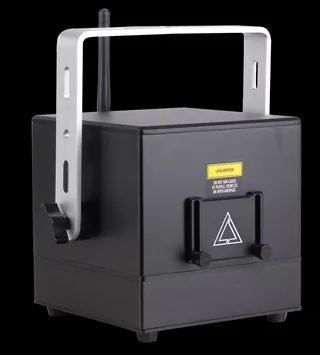
LaserCube ProThe compact Ultra MK2, with 3.5 mm DMX jacks. Quick start in five steps.
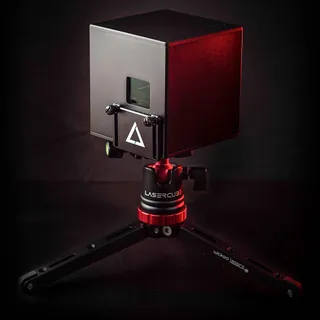
LaserCube WiFi or original UltraQuick start for the WiFi, with the manual (PDF) the two share.
The beginner’s guide, in short videos
Watch them in order, then keep the matching manual chapter open next to your cube.
-
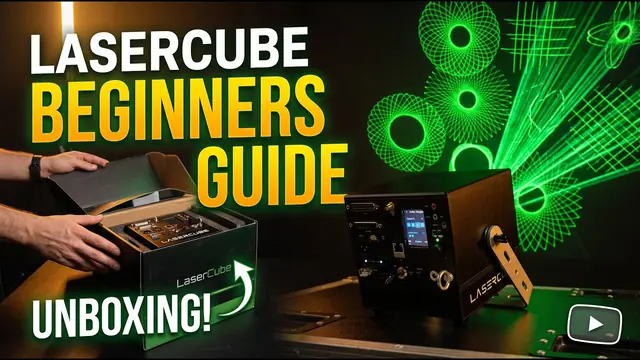
Part 1
Unboxing (YouTube, opens in a new tab)
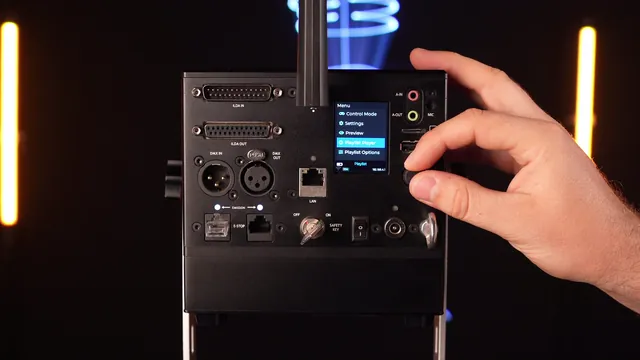
Manual: Parts diagram
-
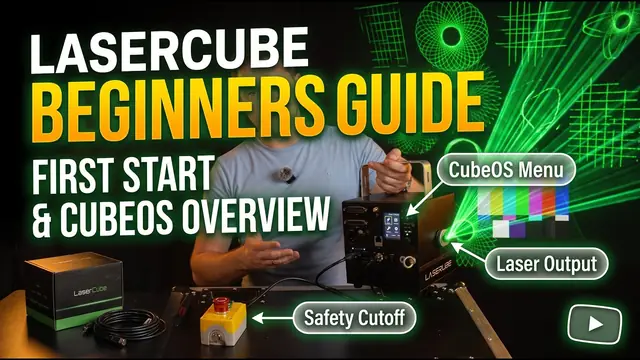
Part 2
First start (YouTube, opens in a new tab)
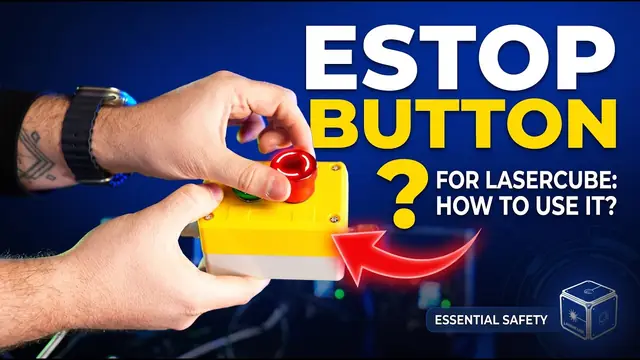
Manual: E‑Stop, jumper and key
-
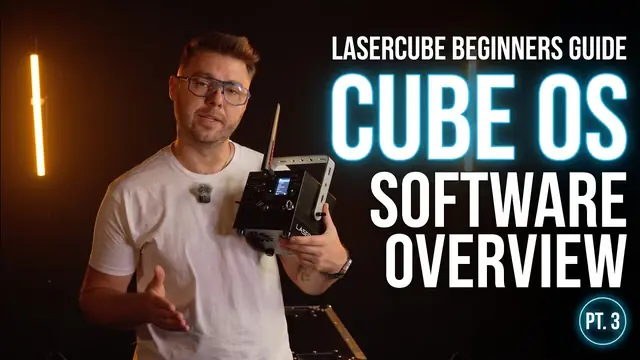
Part 3
CubeOS software overview (YouTube, opens in a new tab)
Manual: CubeOS LCD settings
-
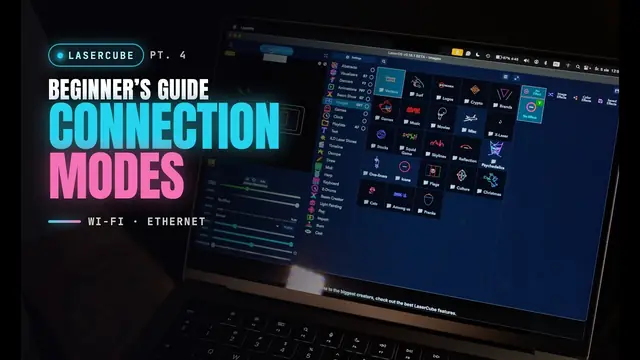
Part 4
Connection modes (YouTube, opens in a new tab)
Manual: Network settings
-
Part 5
Control modes: LaserOS (YouTube, opens in a new tab)
Manual: LaserOS control mode
-
Part 6
Control modes: Art‑Net (YouTube, opens in a new tab)
Manual: ArtNet control mode
-
Part 7
Control modes: DMX (YouTube, opens in a new tab)
Manual: DMX control mode
-
Part 8
Control modes: Visualizer (YouTube, opens in a new tab)
Manual: Visualizer control mode
-
Part 9
Control modes: Playlist (YouTube, opens in a new tab)
Manual: Playlist control mode
-
Part 10
Control modes: Laser Show (YouTube, opens in a new tab)
Manual: Laser Show control mode
-
Part 11
Control modes: IDN and Ether Dream (YouTube, opens in a new tab)
Manual: Control modes
The manual by topic
Tutorials
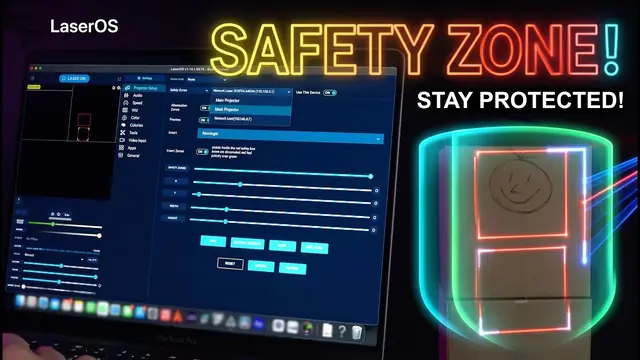
Setting up safety zones in LaserOS (YouTube, opens in a new tab)
What DMX is and how to use it with LaserCube (YouTube, opens in a new tab)
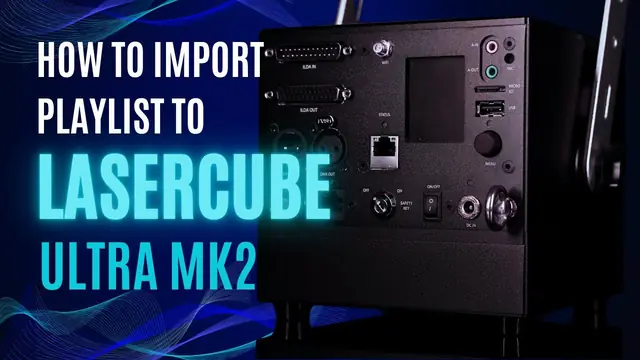
Importing a playlist to the SD card (YouTube, opens in a new tab)
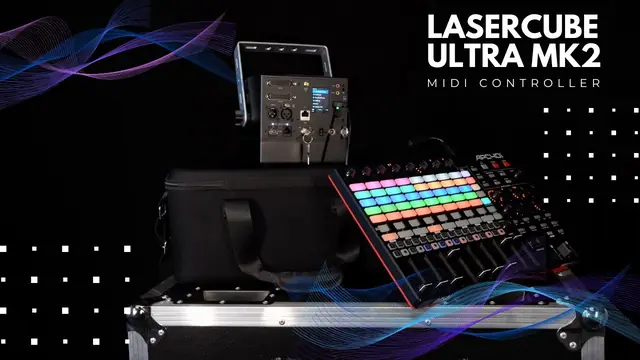
Connecting a MIDI controller (YouTube, opens in a new tab)
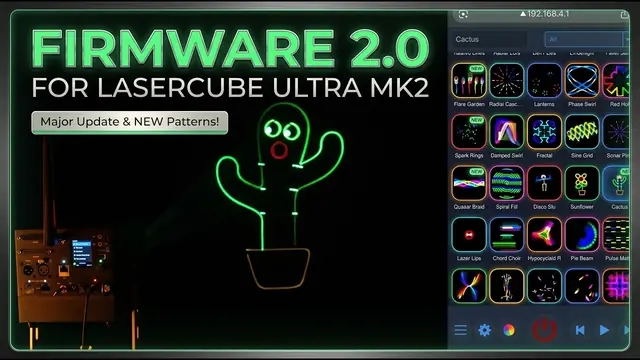
Firmware 2.0: what’s new and how to upgrade (YouTube, opens in a new tab)
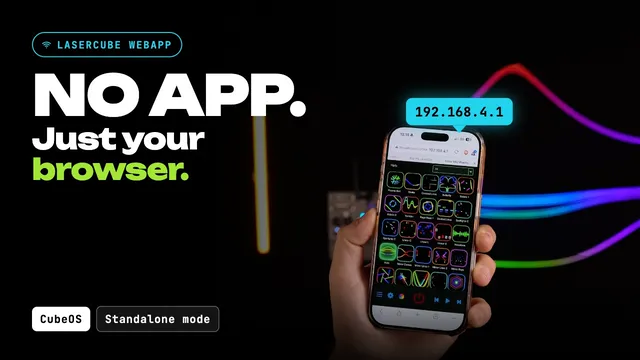
Controlling the cube from the web app (YouTube, opens in a new tab)
Wireless multi-cube shows with CubeLink (YouTube, opens in a new tab)
Software and files
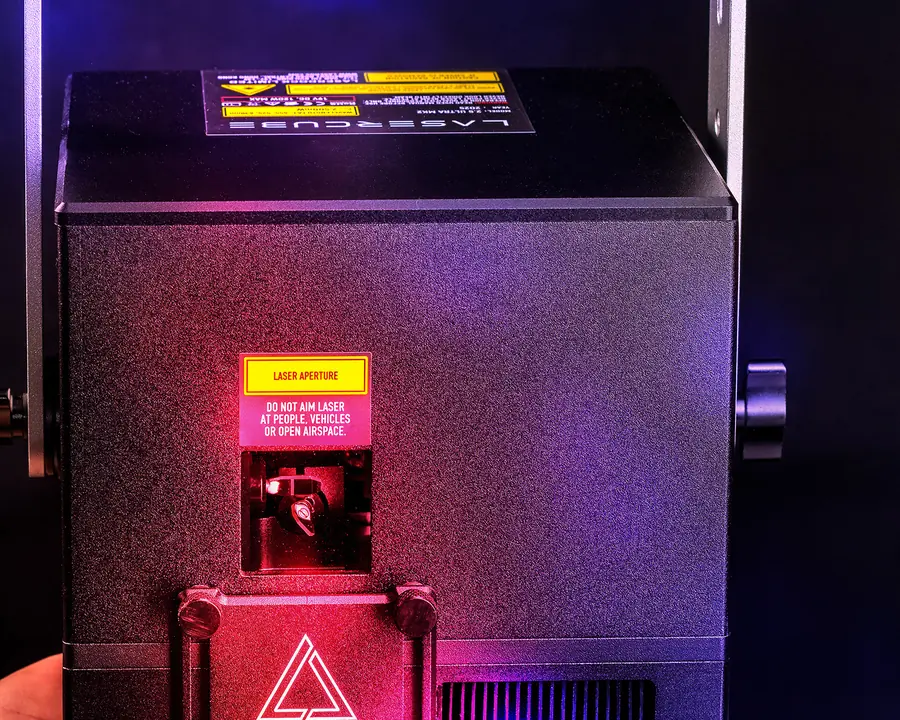
Class 4 laser product
Read the safety guidelines before your first show
Ultra MK2 and Pro are Class 4 lasers for professional use. Keep every beam at least 3 m (10 ft) above any floor where people may be present, and set the beam block and connect the safety jumper (US units: the E‑Stop) before you start.
In the United States an FDA variance is required; a LaserCube bought in the USA comes with it, issued by X-Laser. Many places also require a licence, registration or operation under a trained Laser Safety Officer.